 November 13, 2026
A Practical Guide to the LoRaWAN® Gateway
Connectivity is always a major challenge when planning an IoT deployment. The challenges often arise from the short range of Wi-Fi and the power draw of cellular. These problems can be solved with LoRaWAN®, a low-power wide-area network standard. On September 22, 2026, the LoRa Alliance announced that 150 million LoRaWAN® devices had been deployed worldwide, representing a growth rate of 25%. So, how do people get data from those LoRaWAN® devices? It all starts with the LoRaWAN® gateway.
What Is a LoRaWAN® Gateway?
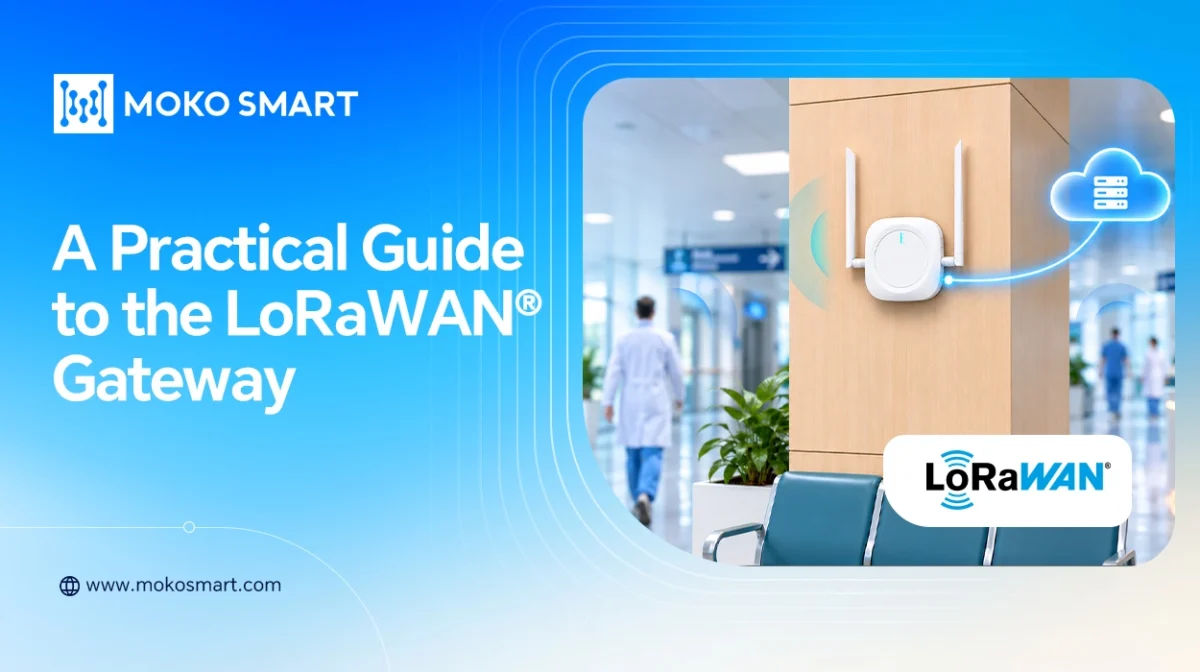
The LoRaWAN® gateway relays messages between end devices and the network server. It receives data packets from LoRaWAN® end devices operating in sub-GHz frequency bands and forwards them to the network server over an IP backhaul connection, such as Ethernet or Wi-Fi.
How Does a LoRaWAN® Gateway Work?
LoRaWAN® gateway operation involves four key elements: network topology, bidirectional data flow, physical-layer security and specific responsibilities.
Star-of-Stars Topology
LoRaWAN® does not operate like a mesh network, in which devices relay data to one another. Instead, it uses a star-of-stars layout. Every sensor node broadcasts its packet over the air. Any gateway within range can receive the transmission simultaneously. The gateway does not route data between sensors. Instead, it collects these single-hop transmissions and forwards the data to the central Network Server.
Uplink and Downlink Flow
The gateway handles bidirectional traffic. However, the two paths are asymmetrical. Uplink traffic accounts for most of the data volume, while downlink transmissions require the selection of a specific gateway.
Uplink (Sensor to Cloud): This is the primary data transmission path. A sensor wakes up, collects data, encrypts the payload, and then broadcasts it. The gateway receives this radio message, encapsulates it in an IP transport protocol, such as UDP or WebSocket, and forwards it to the Network Server.
Downlink (Cloud to Sensor): When the Network Server needs to send a command, such as a request to adjust a threshold, it does not broadcast the command to every gateway. It picks the single gateway that received the strongest uplink signal from that sensor. It then routes the command back through that gateway when receiving window (RX1//RX2).
Physical Layer Security
A key aspect of LoRaWAN® gateways is what they cannot do. They terminate the LoRa physical layer and forward frames without access to the session keys. The gateway does not store encryption keys and cannot decrypt sensor payloads. Even if a gateway is physically compromised, the data cannot be read. Decryption occurs only at the Network Server or application layer. This setup makes the gateway a simple, cost-effective, ,and secure packet forwarder.
Specific Responsibilities
Although the payload remains encrypted, the gateway still handles several tasks. It demodulates LoRa signals and checks packet integrity using CRC. Packets that pass the check are forwarded to the Network Server along with metadata such as the Gateway ID, RSSI, SNR, and timestamp. The Network Server uses this information to identify duplicate uplink packets received by multiple gateways and select a gateway for downlink transmission.
Benefits of LoRaWAN® Gateways
LoRaWAN® gateways are often dismissed as simple data forwarders, but they fundamentally shape the cost and architecture of an IoT deployment. Here are the core benefits:
Infrastructure Efficiency at Scale
The biggest advantage lies in infrastructure efficiency. A single gateway can support hundreds or even thousands of devices, depending on their transmission frequency. With this star topology, you can cover a large site or campus with minimal cabling. Fewer powered network installations mean lower capital costs and operating expenses.
Native Bidirectional Control
A common misconception is that LoRaWAN® is uplink-only. In fact, LoRaWAN® supports bidirectional communication, although downlink traffic is deliberately limited. The gateway can transmit downlink messages to support remote adjustments, allowing you to change a sensor’s threshold or transmission frequency without visiting the site.
Security at the Edge, Not the Core
Because the gateway operates at the physical layer and does not store decryption keys, it presents a lower security risk. Data is protected end to end using AES-128 encryption, while the gateway simply forwards the encrypted packets. This architecture helps ensure that data remains unreadable even if a gateway is physically compromised in the field. It also preserves message integrity through the MIC.
Simplified Network Architecture
Gateways combine all radio traffic into a single IP stream. This erases the need to manage thousands of individual IP addresses, resulting in fewer firewall rules and simpler network monitoring. Backend integration also becomes simpler, whether you use ChirpStack, The Things Stack, or another LoRaWAN®Network Server (LNS).
What Should You Consider When Selecting a LoRaWAN® Gateway?
Choosing the wrong LoRaWAN® gateway can compromise the whole deployment. Here are the important factors to consider before purchasing a gateway.
| Consideration | Typical Value / Spec | Why It Matters |
| Channels | 8 (Standard) / 16 (High Density) | 8 channels handle typical deployments; 16 channels prevent packet collisions in dense environments (e.g. smart cities). |
| TX Power & RX Sensitivity | Up to +27 dBm / −137 to −141 dBm | Higher TX power extends downlink reach; better RX sensitivity (more negative) captures weaker signals from distant or obstructed sensors. |
| Node Capacity | Up to 2,000 | Practical limits depend heavily on sensor transmission intervals and spreading factors (SF); high-frequency reporting reduces actual capacity. |
| Coverage (LoS / NLoS) | ~10–15 km (LoS) / ~5 floors (NLoS) | LoS depends on antenna height. NLoS indoor penetration is limited; dense materials (concrete/metal) may require additional indoor gateways. |
| Form Factor (Indoor vs. Outdoor) | Indoor: IP30–IP54, −10°C to +55°C Outdoor: IP65–IP67, −40°C to +70°C |
Outdoor LoRaWAN® gateway requires weatherproof enclosures (UV-resistant, sealed glands) and wide temperature tolerances. Indoor units suit conditioned spaces. |
| Frequency Plan | EU868, US915, AS923, AU915 | Must strictly comply with regional regulatory requirements (duty cycle, bandwidth) to avoid legal issues and interference. |
Which LoRaWAN® Gateway Can MOKOSMART Provide?
At MOKOSMART, we offer gateway hardware designed for different environments:
MKGW2-LW is an 8-channel standard LoRaWAN®-based gateway for indoor use. It has a compact design and is easy to install on ceilings, walls, or other indoor surfaces.
MKGW6-LW is a cost-effective single channel LoRaWAN® gateway with built-in SX1262 chipset and supports LoRaWAN® full-frequency band coverage. Simple to use, the gateway features a straightforward plug-in design for quick and easy installation.
The GW8C-LW is an indoor LoRaWAN gateway. It features flexible power options, multi-backhaul support, and an intuitive web interface for configuration and status monitoring.
FAQs
1.What is the theoretical vs. practical device capacity of a single gateway?
A single gateway can theoretically support thousands of nodes. In practice, the actual number of devices a gateway can support depends on how frequently the sensors transmit data. If sensors transmit data frequently, the gateway will reach its capacity sooner. If they transmit data only occasionally, the gateway can support a much larger number of nodes.
2. Does the gateway decrypt the sensor payload?
No. Standard Gateways operate at the physical layer and act as transparent packet forwarders. They do not have the session keys (AppSKey/NwkSKey). Without those session keys, they cannot decrypt the data. They simply send encrypted packets to the Network Server. This helps protect the data even if the gateway is physically compromised.
3. What are the critical differences between indoor and outdoor gateway deployment?
Outdoor gateways require IP65 or IP67-rated enclosures and must withstand extreme temperatures ranging from −40°C to +70°C. They often use lightning-protected antennas and rely on cellular backhaul. Indoor gateways, on the other hand, are typically compact and PoE-compatible, as they are designed for climate-controlled environments.
4. How does the Network Server select a gateway for downlink transmission?
The Network Server selects the gateway that reported the strongest RSSI and SNR for the sensor’s most recent uplink transmission. The downlink is then routed through the selected gateway, which transmits the message during the device’s scheduled receive window.